Gallery
Boards an AI agent designed, and what it was asked
Updated
Each board below started from a single prompt, given to Claude Code connected to Saymock. The agent drew the screens, checked them and stopped; nobody retouched them. Every page shows the prompt, so you can run it with your own product.
Web and desktop
-
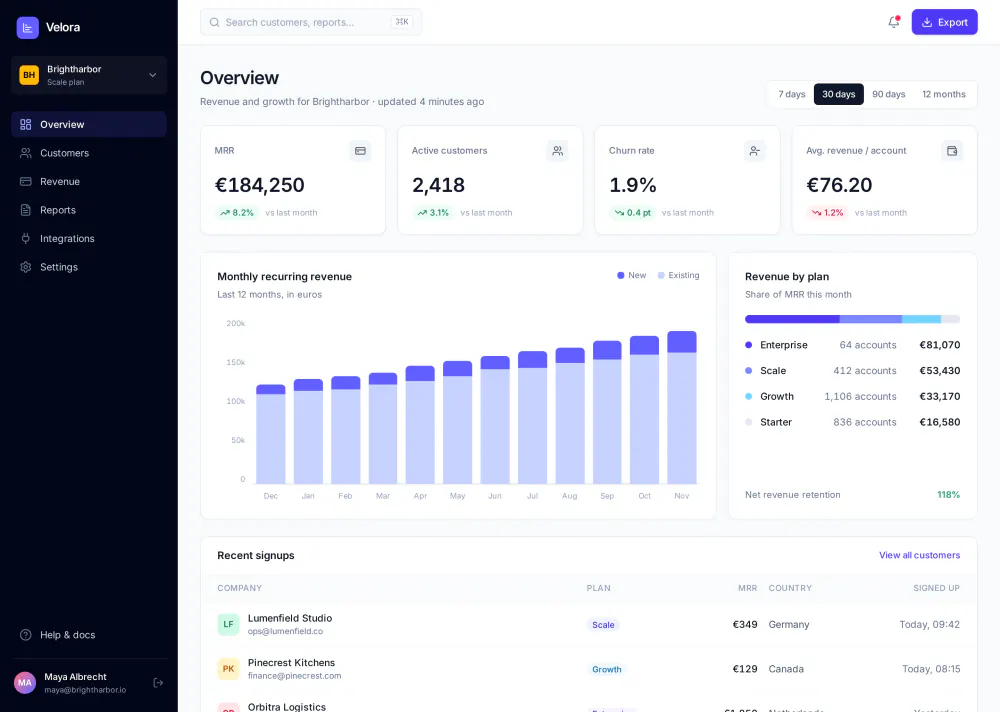 SaaS analytics dashboardOverview with KPIs and an MRR chart, a customers table with a detail panel. Two desktop screens.
-
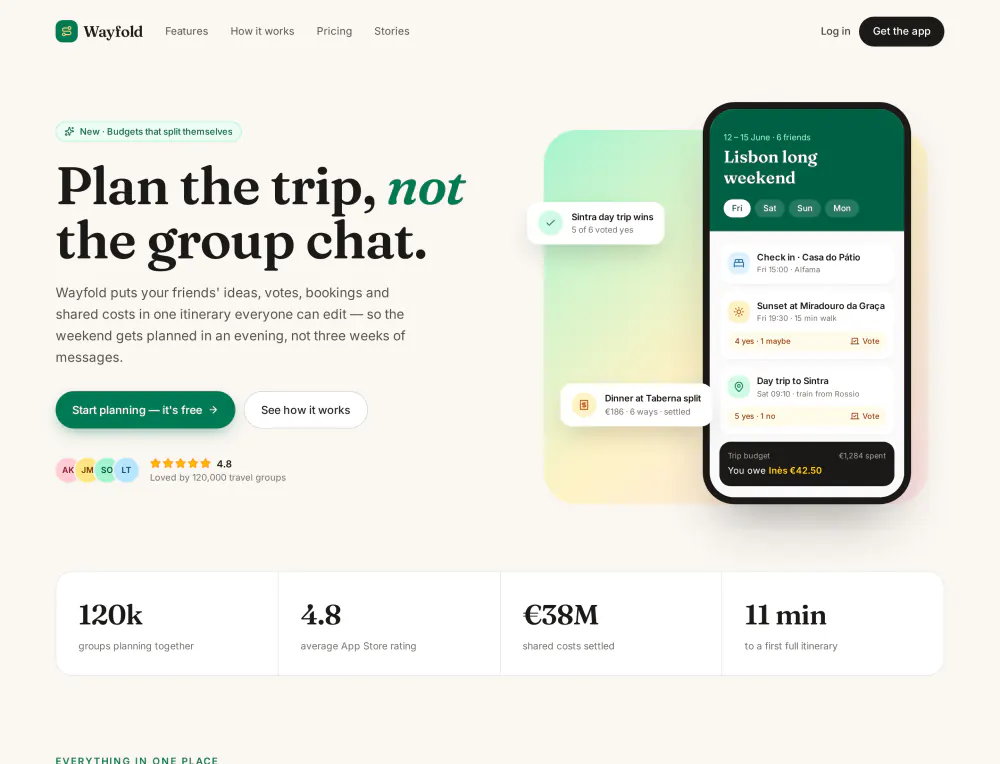 Product landing pageHero, features, testimonials, pricing: one responsive page shown on desktop and mobile.
-
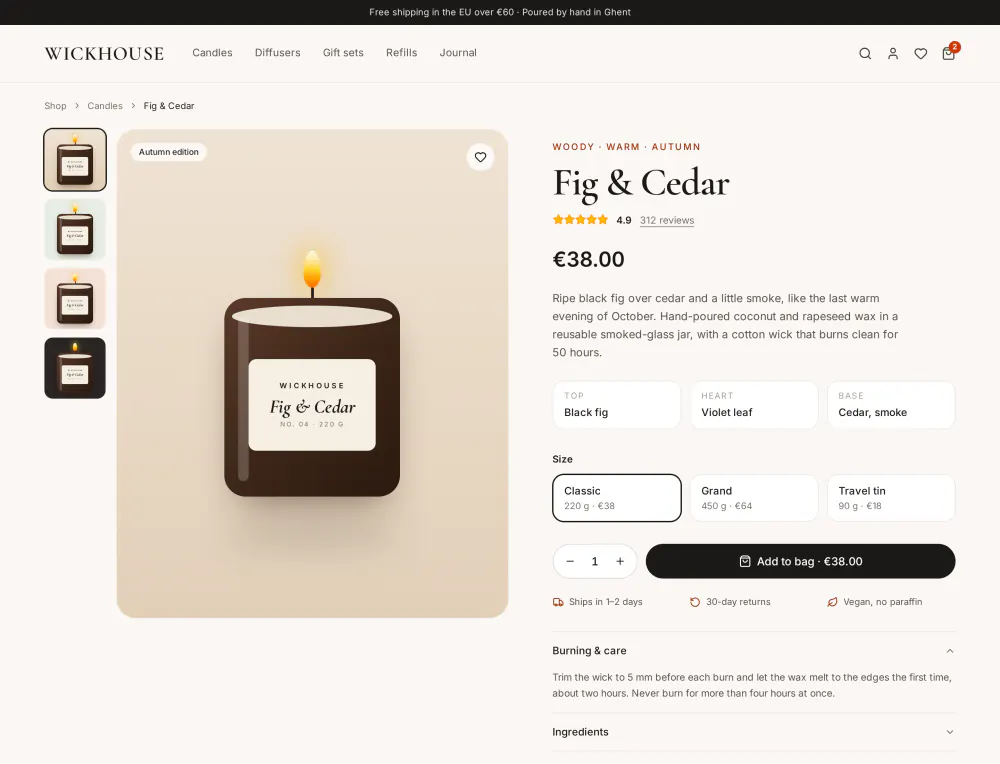 E-commerce product pageA product page on desktop, then the bag and checkout on mobile, linked as a prototype.
Mobile apps
-
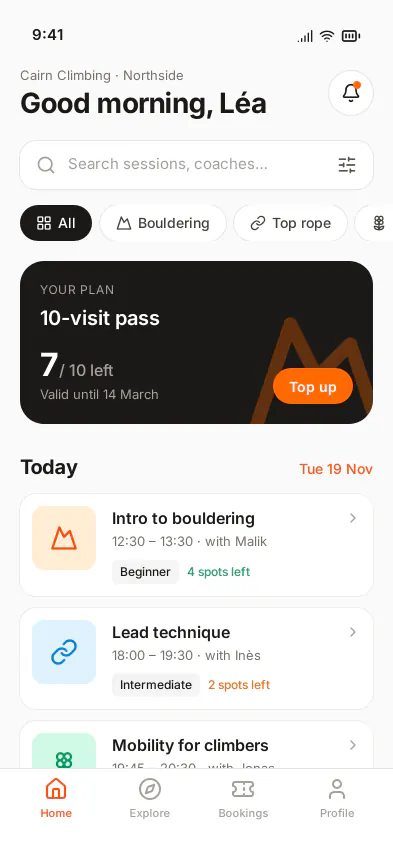
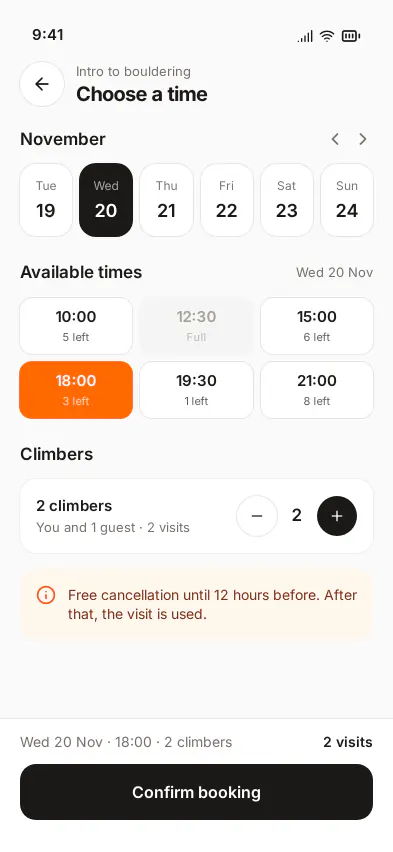 Booking appFour iPhone screens, from today’s sessions to the check-in code, clickable.
-
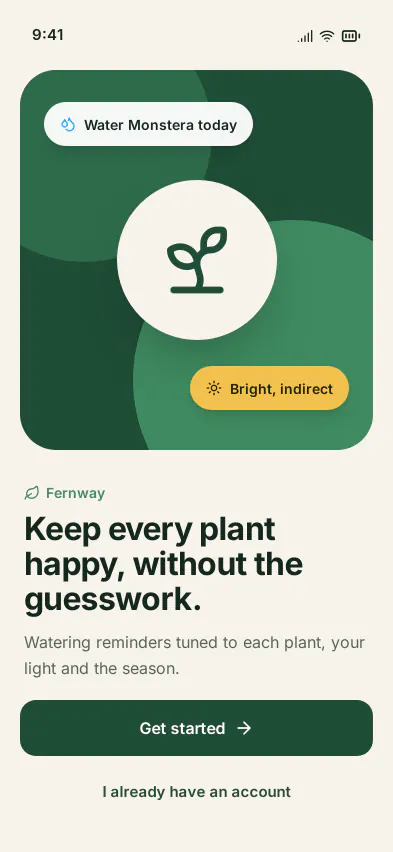
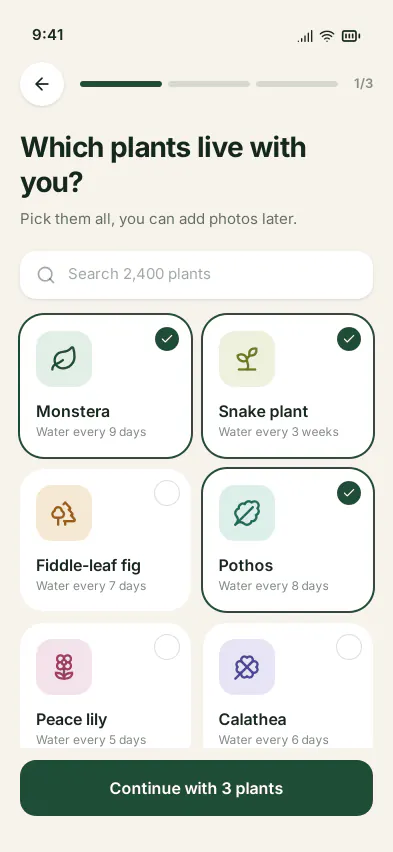 Mobile onboardingWelcome, preferences, account and the notification request, with shared components.
Questions
Were these screens retouched by a designer?
No. Each board is what Claude Code produced from the prompt shown on its page, including the checks it ran on its own layout. The brands, people and figures are made up.
Are they images?
On this page, yes, to load fast. On the board, every screen is HTML with Tailwind classes: you select an element and change it by hand, or ask the agent to. Each board page has a link to open the live board, read-only.
Can another agent do the same?
Any agent that speaks MCP uses the same tools: Claude, ChatGPT, Cursor, Codex, Copilot in VS Code, Gemini CLI, Le Chat. Results vary with the model. These boards were all made with Claude Code. Setup for each agent is on the agents page.
How each kind of work goes, step by step: use cases. Measured against Figma’s MCP server: the benchmark.