Gallery · Onboarding
A mobile onboarding flow, designed by an AI agent
Updated
The first four screens of a made-up plant-care app for iPhone. From the prompt below, Claude Code designed them on a Saymock board, and placed the notification request where it makes sense: once the app has shown what it will remind you about.
The prompt
Design the onboarding of a plant-care app for iPhone: a welcome screen, picking the plants you own, creating an account, and a last screen that shows the first week of reminders and asks for notifications. Calm, natural colors.
Agent: Claude Code, through Saymock’s MCP server. Nobody touched the screens by hand.
The screens
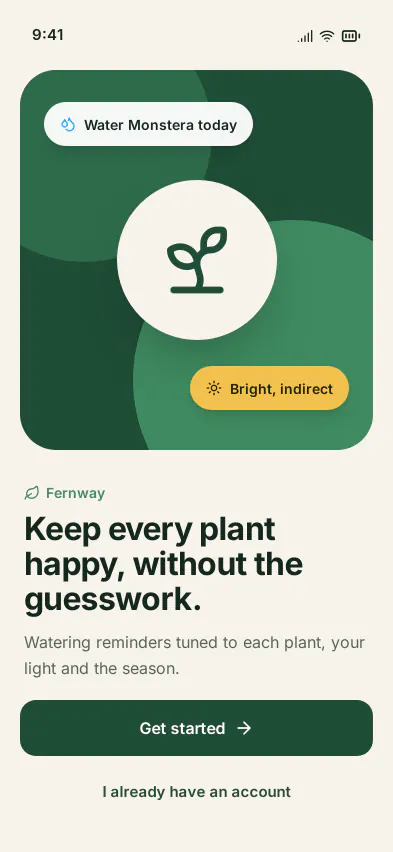
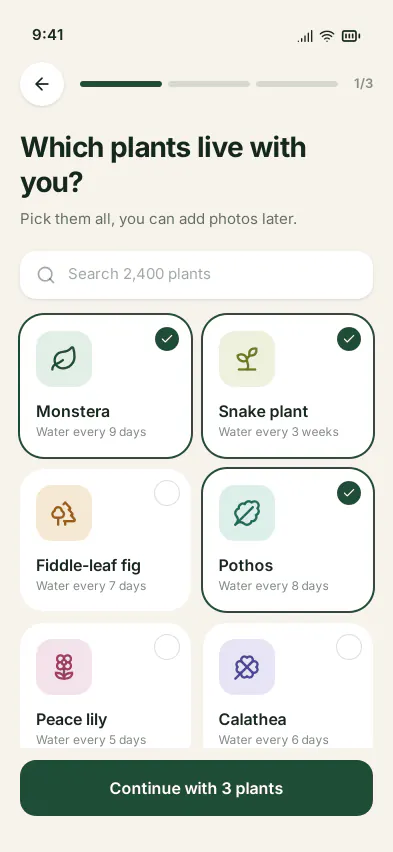
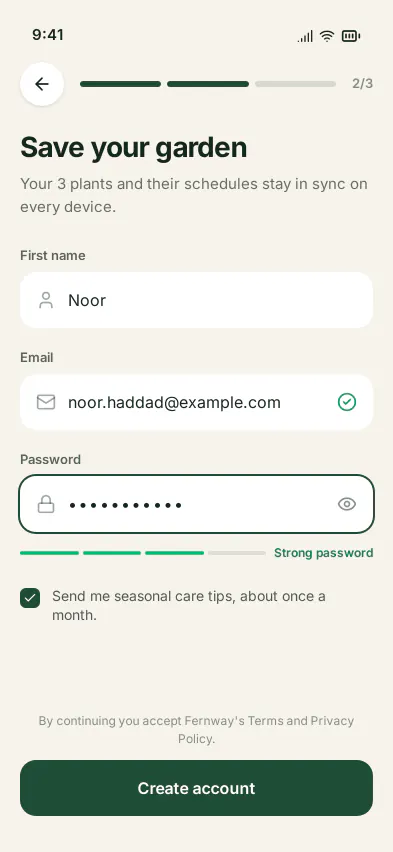
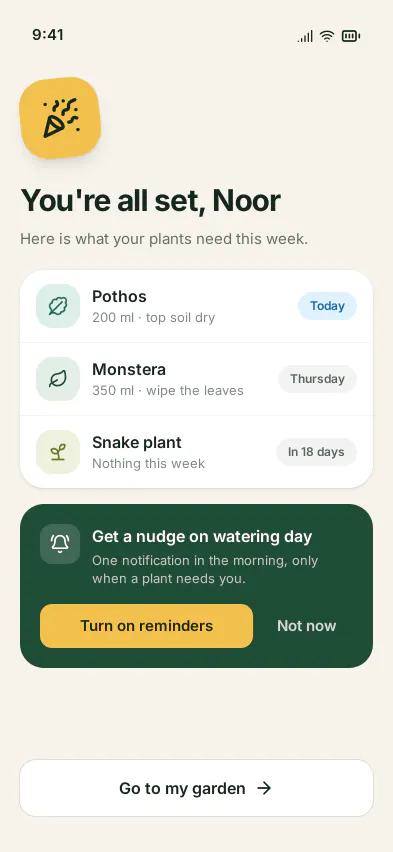
What makes it editable
- Shared components. The status bar is one component on every screen, and the progress header (back button, steps) one component on screens 2 and 3: restyle it once.
- A prototype. Get started, Continue, Create account and Go to my garden lead from one screen to the next, with back links, so the flow plays in a phone frame.
- A note on the board gives the prompt and the agent’s design choices beside the screens.
- Ready to build: layout specs for SwiftUI, Compose or Flutter, or React and Vue code. See design to code.
Make your own
- Connect your agent to Saymock: Claude Code, Cursor, Codex, ChatGPT or any MCP client.
- Paste the prompt with your app’s first steps and what it needs to ask for.
- Ask for a review of the flow: the agent checks UX, consistency and accessibility, and leaves its findings on the board.
More boards in the gallery. See also: mobile app mockups, design review with an agent, Saymock in ChatGPT.