Gallery · Landing page
A product landing page, designed by an AI agent
Updated
A long marketing page for Wayfold, a made-up app that plans trips for groups of friends, on desktop and on a phone. Claude Code wrote the copy and drew the page on a Saymock board from the prompt below, including the product shot in the hero, which is HTML too.
The prompt
Design a landing page for Wayfold, a trip-planning app for groups of friends: hero with a product shot, features, how it works, testimonials, pricing and a final call to action, on desktop and mobile.
Agent: Claude Code, through Saymock’s MCP server. Nobody touched the page by hand.
The page
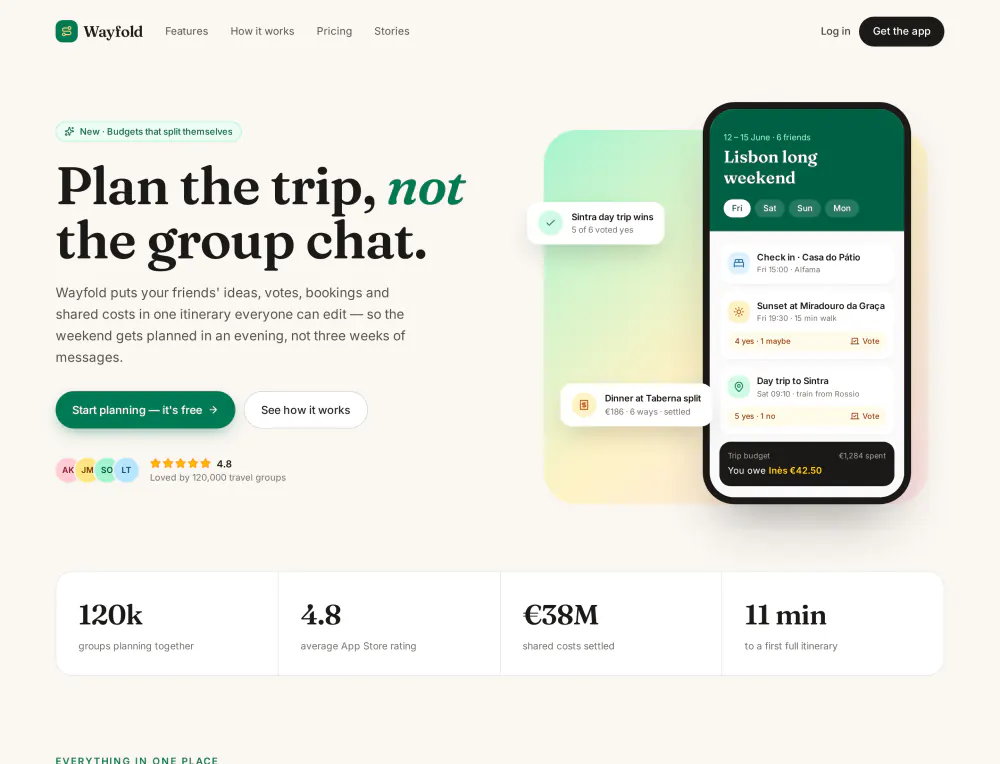
See the whole desktop page
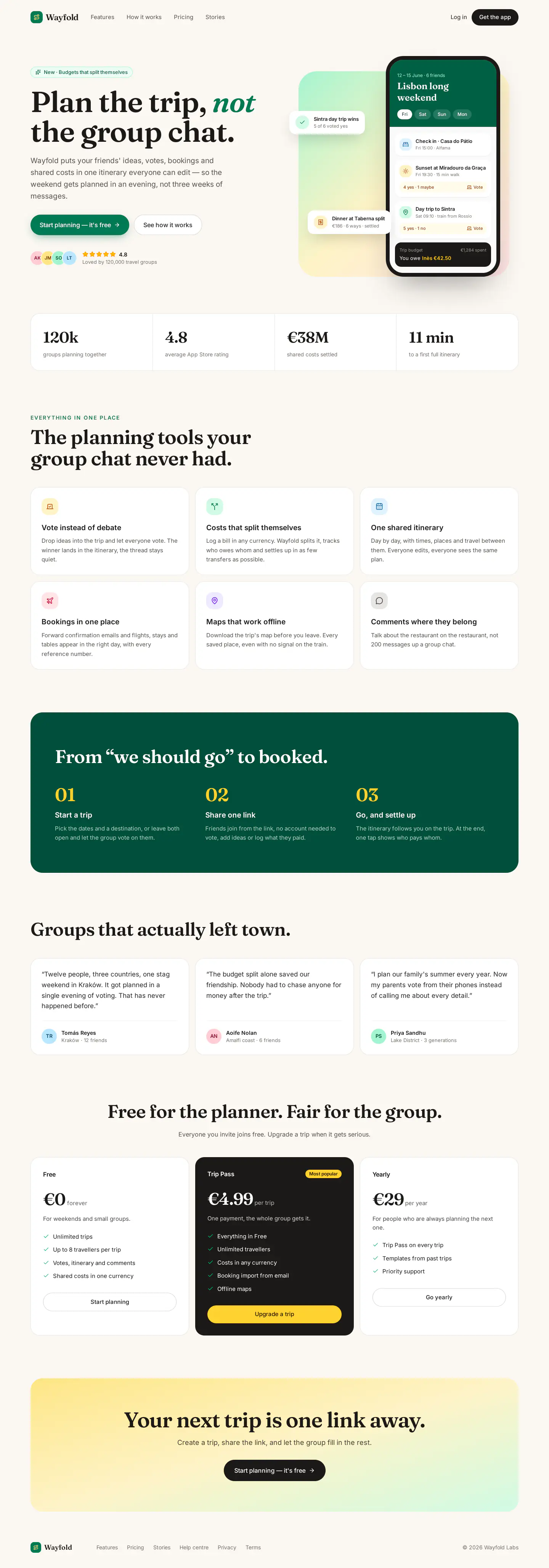
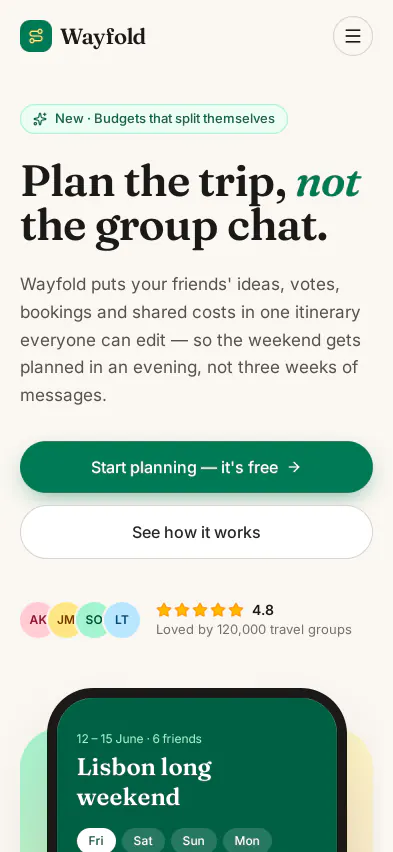
See the whole mobile page

What makes it editable
-
One page, two sizes. The agent built the page once, as a
LandingPagecomponent, and the mobile frame uses it: change a headline or a price on one and the other follows. Only the layout differs, through Tailwind’s responsive classes. - Real copy. No lorem ipsum: headlines, features, testimonials and plans are written for the product, ready to rework with your team in comments.
- Heights that follow the content. Both frames grow with the page, so adding a section never cuts anything off.
- Exportable as a standalone HTML page or React and Vue components. See design to code.
Make your own
- Connect your agent to Saymock: Claude Code, Cursor, Codex, ChatGPT or any MCP client.
- Paste the prompt with your product, its audience and your brand colors and fonts.
- Ask for three hero alternatives, compare them in place, keep one.
More boards in the gallery. See also: landing pages with an AI agent, your current site, rebuilt from its code.